Experience The Medallion Club
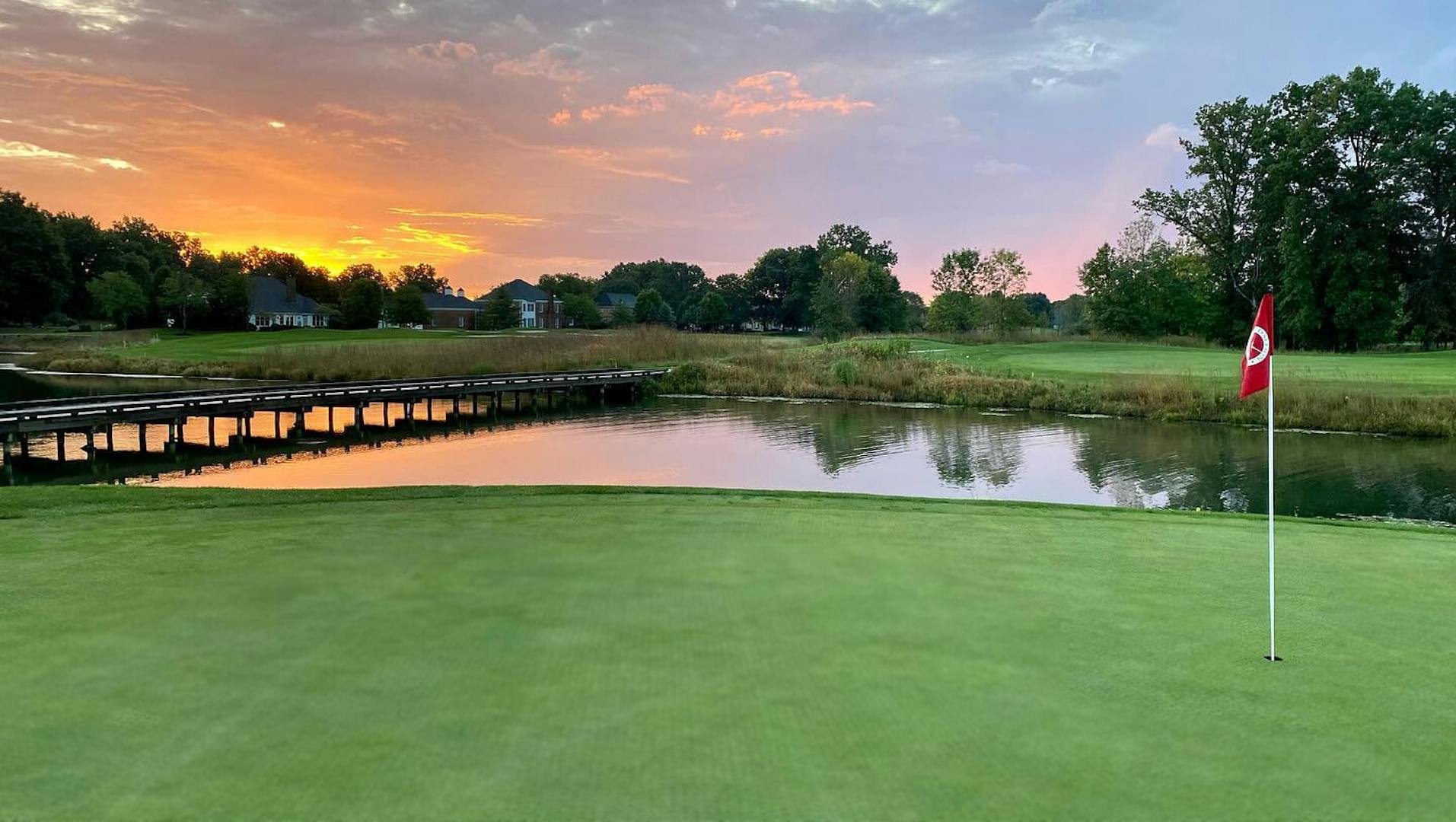
27 holes of championship golf. Every fitness activity imaginable. Picturesque ponds, wooded areas, and preservelands. Incredible meals. Believe it or not, this isn’t a luxurious vacation. When you belong to The Medallion Club, it’s an everyday lifestyle. Our three distinctive golf courses were specially designed for our natural setting by Jack Nicklaus II. Each has its own unique style and challenges to perfectly accommodate any kind of game you have in mind. Our 58,000 square foot clubhouse offers an extensive fitness center, racquetball courts, and a luxurious spa area. Not to mention dining options from grill to gourmet to banquet areas. Plus, our neighboring Swim & Racquet Club features an outdoor pool, tennis courts, and a café. Whether you’re interested in a Golf, Sport or Social membership, at The Medallion Club you can have a vacation without ever leaving the city.